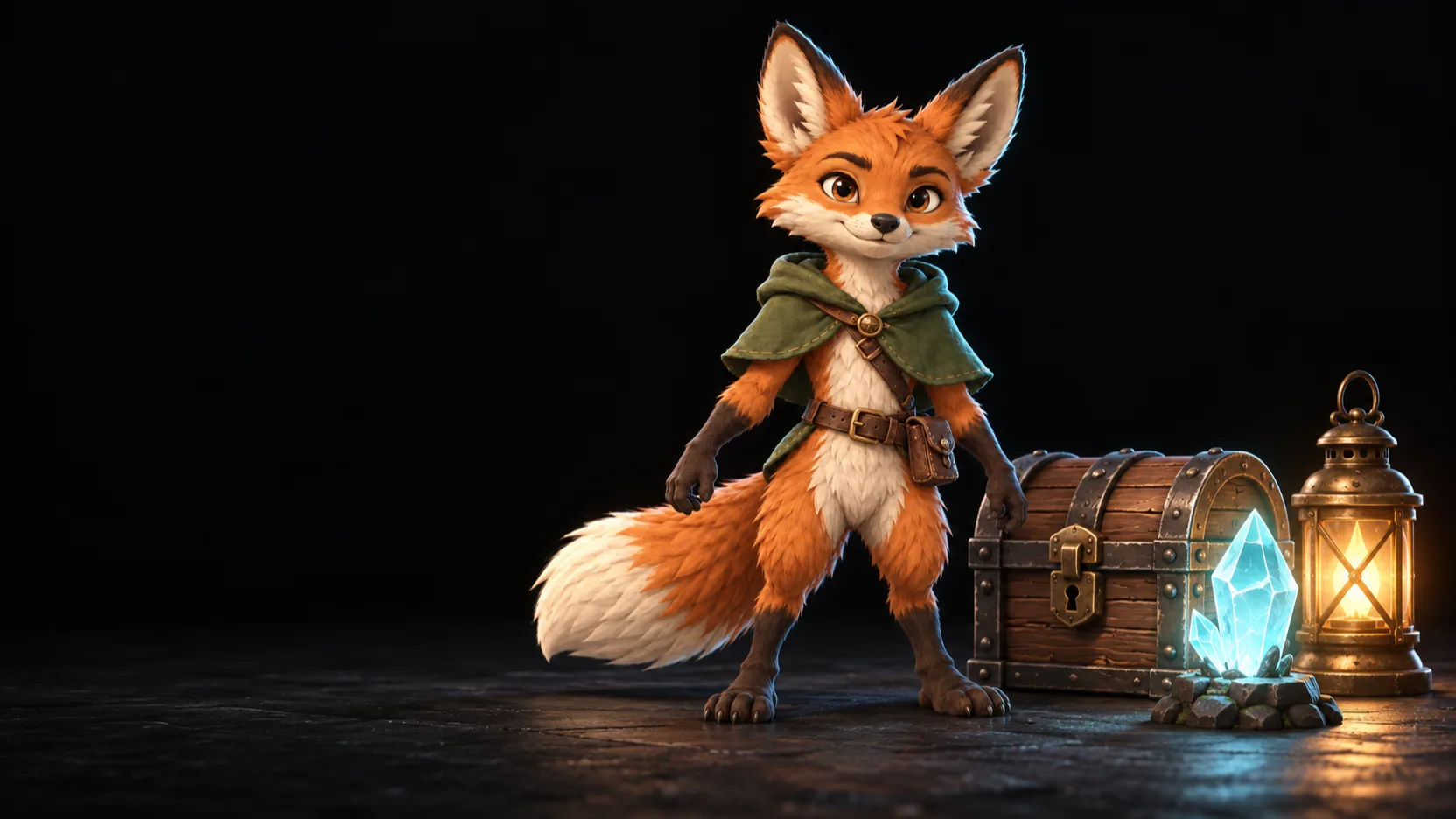
From a prompt to an animated model.
tabletop is the AI studio for game makers. Link AI models on one canvas to turn an idea into concept art, rigged and animated 3D models, and pixel art sprites, with creative control at every step.
- Theo
- Provider
- OpenAI
- Model
- GPT Image 2
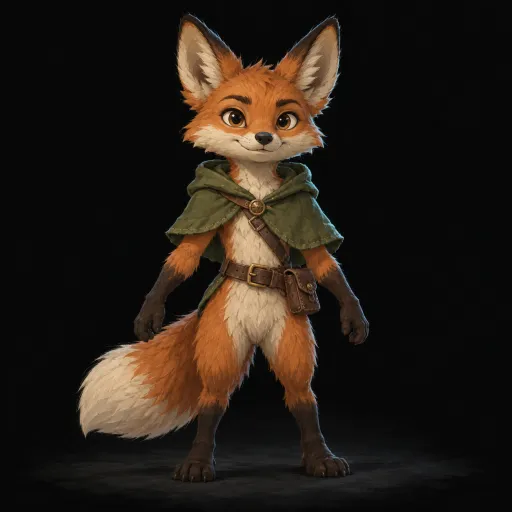
- Provider
- Tripo
- Type
- Image to model
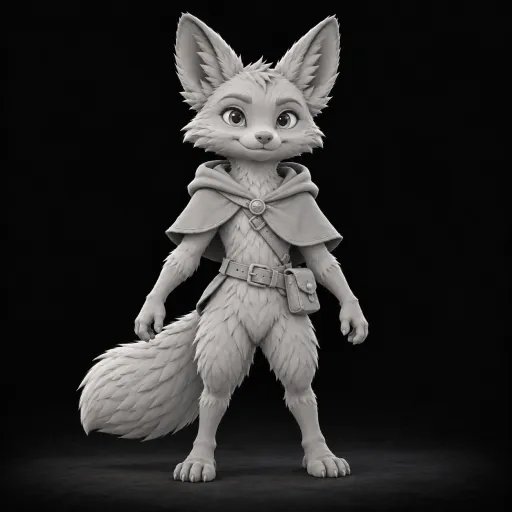
- Rig type
- biped
- Bone naming
- unreal
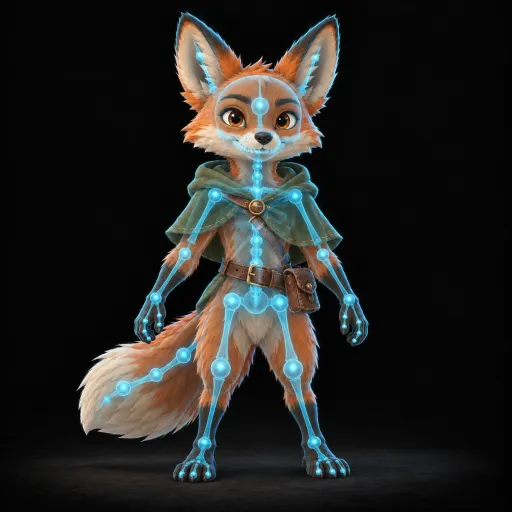
- Animation
- run
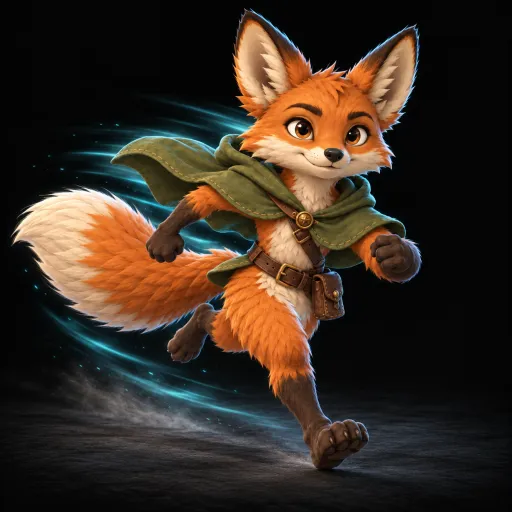

Theo5m
Love the cloak. Can the run be faster?

Maya2m
Sure. Running it now.
A small fox adventurer in a green cloak, with a leather satchel and a bushy tail.
- Theo
- Provider
- OpenAI
- Model
- GPT Image 2
- Provider
- Tripo
- Type
- Image to model
- Maya
- Texture model
- v3.5
- Quality
- Detailed
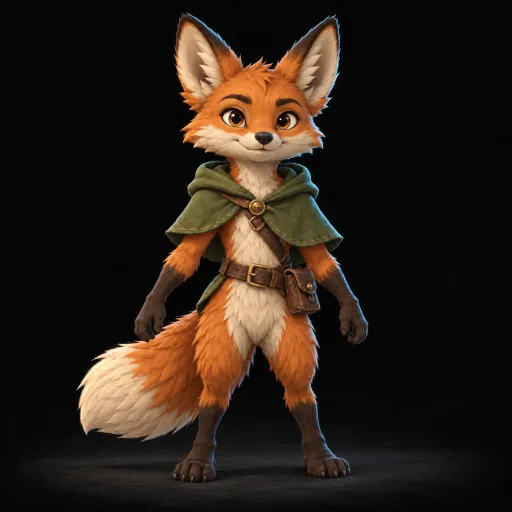
- Rig type
- biped
- Bone naming
- unreal
- Animation
- run
Works with the tools you use
- Tripo
- Leonardo
- OpenAI
- Anthropic
- Claude Code
- Codex
- Blender
Every world starts with an idea. tabletop turns yours into the characters, creatures and props behind tomorrow's games, interactive worlds and spatial experiences.
How it works
Watch your idea come to life.
Go from a rough concept to a character that moves, and see every stage take shape in front of you.
- Generate Image
01Concept
Start from a prompt or a sketch.
- Image to Model
02Model
Turn the concept into a 3D model.
- Texture Model
03Texture
Paint it in the style of your game.
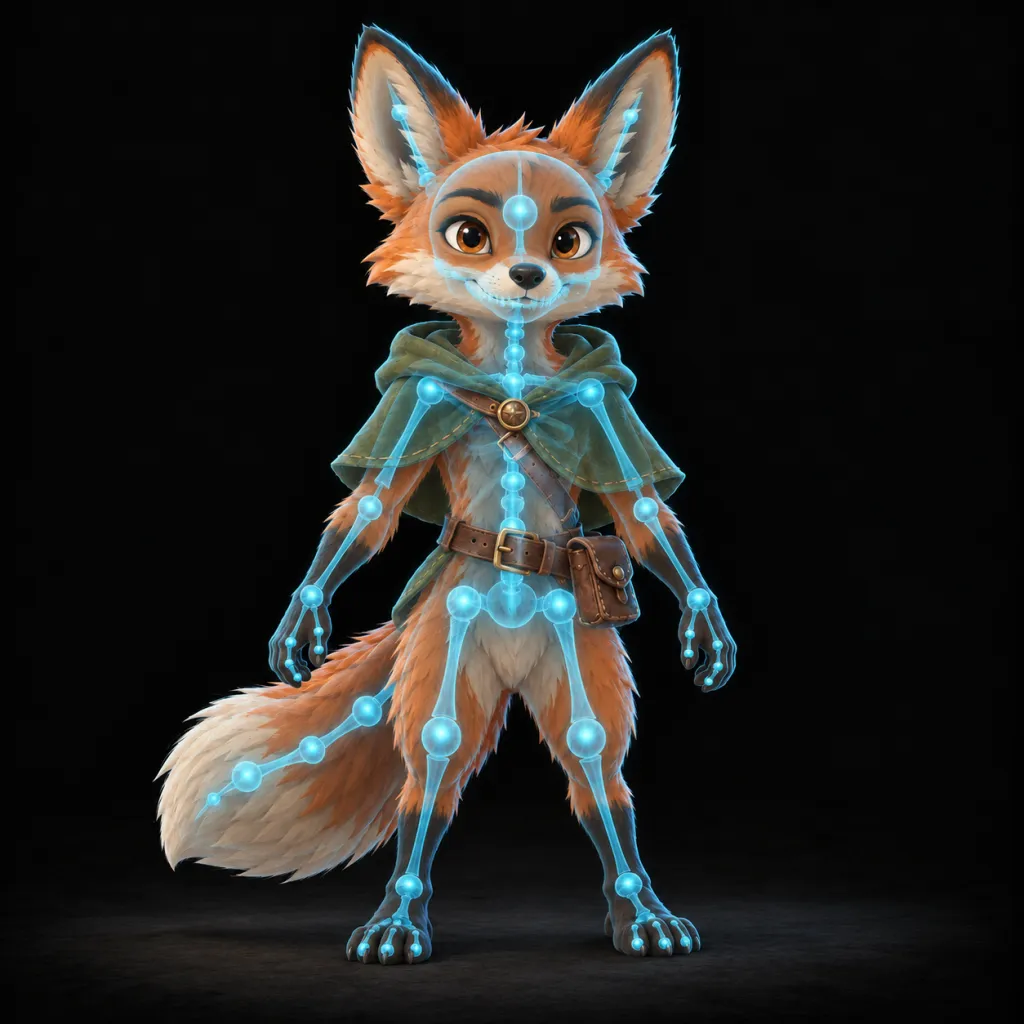
- AI Rig Model
04Rig
Give it a skeleton, ready to move.
- AI Animation
05Animate
Bring it to life with motion.
Features
Made for artists who stay in control.
Build by dragging
Lay out your idea on a canvas and connect the steps. Your whole process, visible at a glance.
The best AI in one place
Leading AI for images, 3D, rigging and animation work together. No more jumping between apps.
See every result
Images, video and 3D models appear as they are made. Spin them, play them and check every detail.
You have the final say
Approve each step, try a new idea, or go back to an earlier version at any time.
Big jobs, no babysitting
Start something big and keep creating. tabletop shows the progress and picks up where it left off.
Made for your game
Characters, creatures and props that match the look of your world.
For agents
Your agent drives. You watch the canvas.
Ask Claude Code, Codex or your favorite agent to make an asset. Every step appears on your canvas as it happens, and nothing moves on without your approval.
> Make a fox adventurer for my game. Rig it and add a run cycle.

Concept, model, texture, rig and animation added to your canvas.
The concept is ready. Waiting for your approval.
Claude Code1m
The concept is ready. Approve it, and I make the model, texture, rig and run.
Mayanow
Looks great. Approving.
- Provider
- OpenAI
- Model
- GPT Image 2
- Provider
- Tripo
- Type
- Image to model
Claude Code1m
The concept is ready. Approve it, and I make the model, texture, rig and run.
Mayanow
Looks great. Approving.
- Provider
- OpenAI
- Model
- GPT Image 2
- Provider
- Tripo
- Type
- Image to model
Asset library
Props, creatures and heroes. All in one place.
Every result lands in your library, ready to find, reuse and build on.
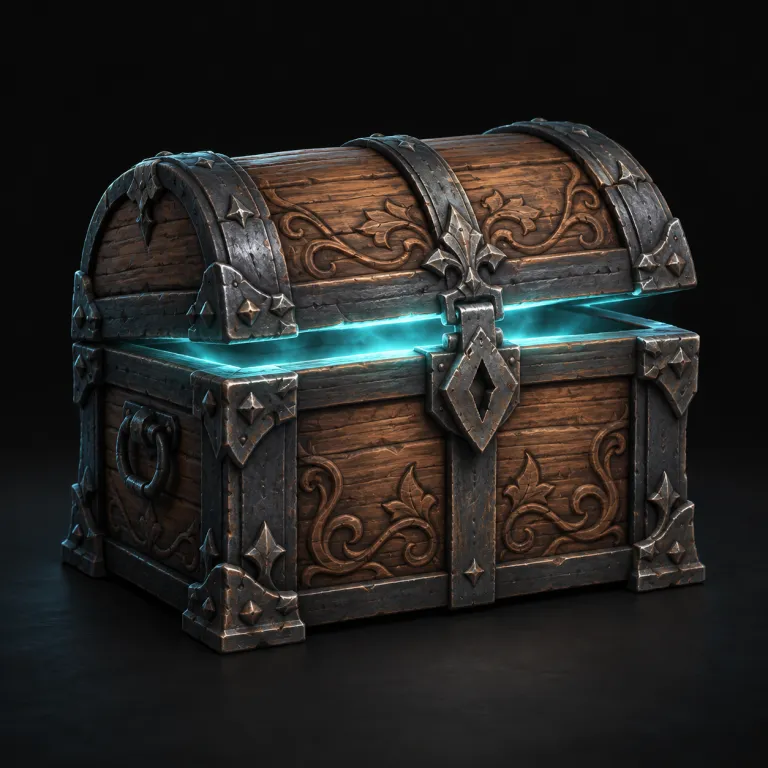
Treasure chest
Prop
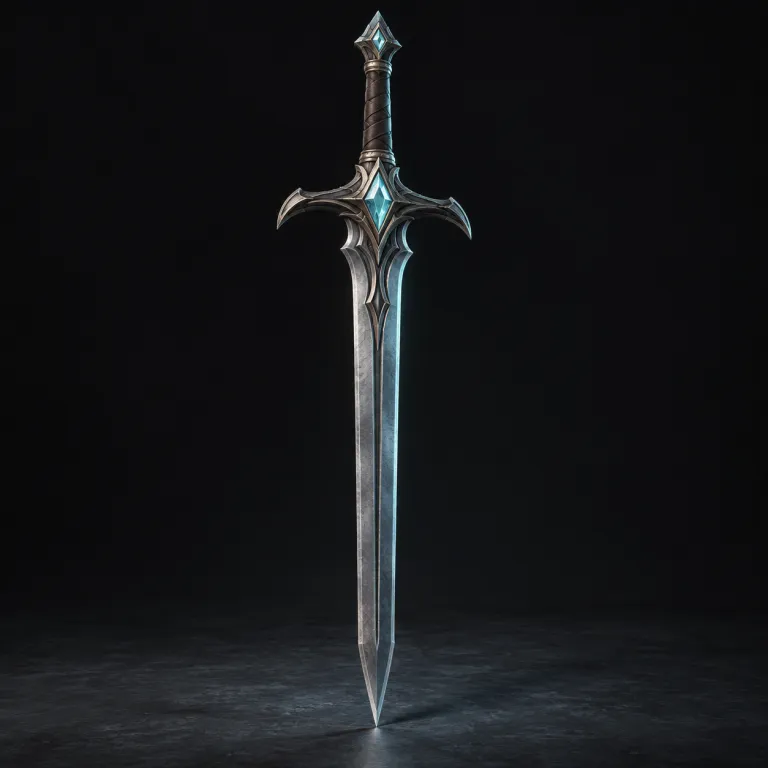
Crystal sword
Weapon

Mushroom creature
Creature
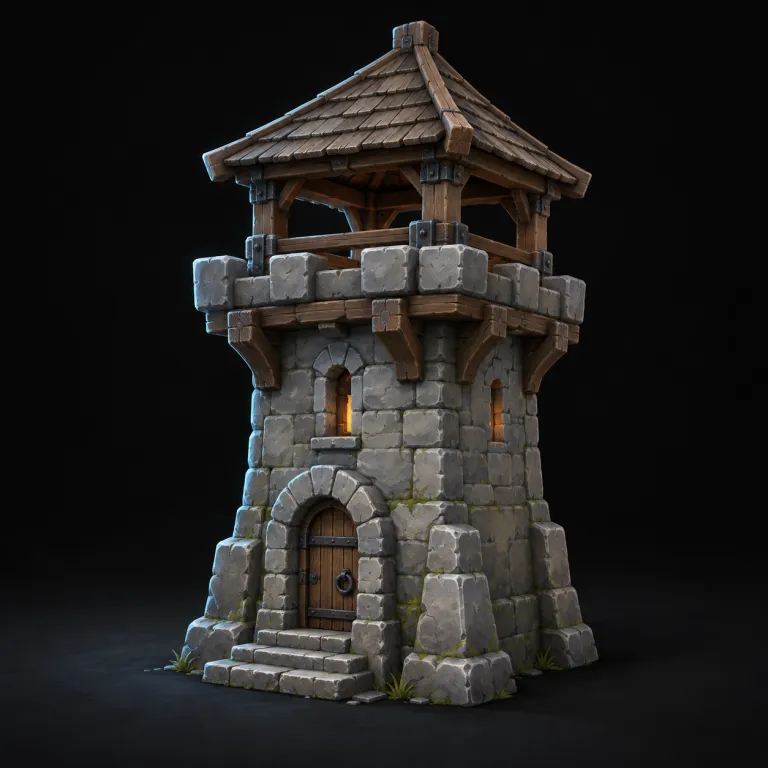
Watchtower
Building
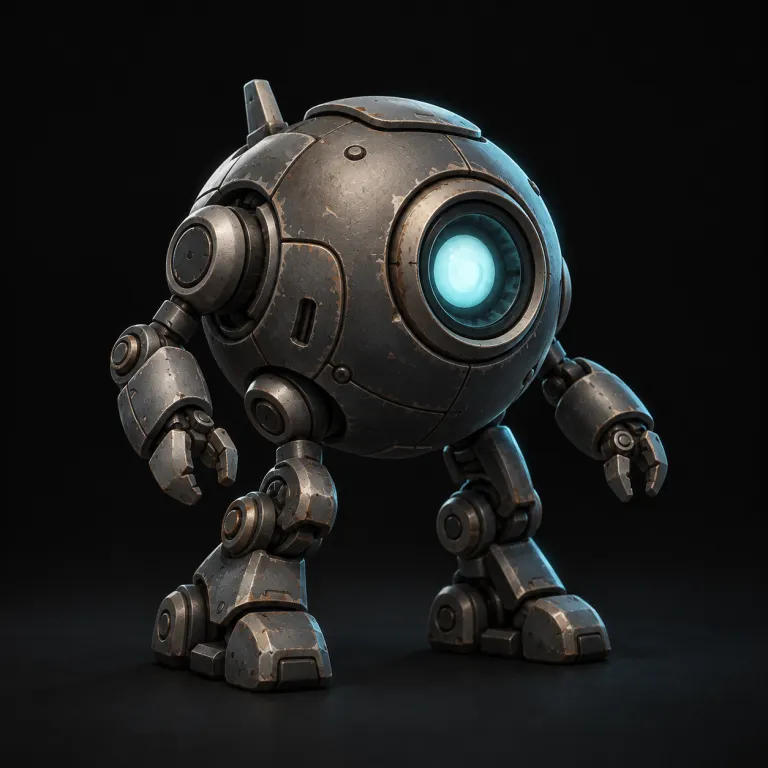
Scout robot
Character
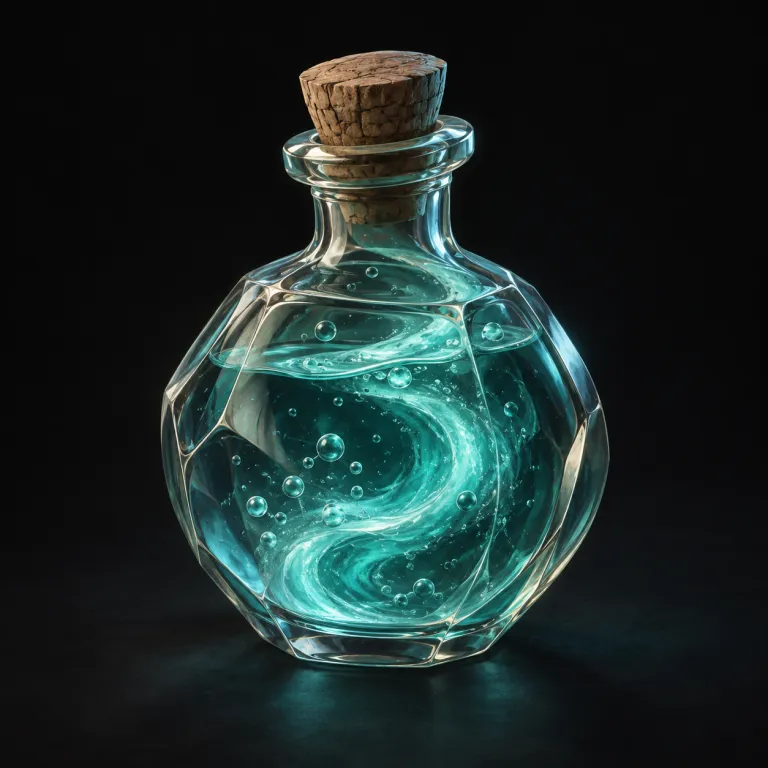
Potion
Prop
FAQ
Questions about tabletop
What is tabletop?+
tabletop is a node-based AI studio in the browser for game makers, made by STUDIO D8. You link nodes on a canvas to turn a prompt into concept art, 3D models, textures, rigs, animations and pixel art sprites. You check and approve each step.
What can I make with tabletop?+
Game characters and creatures, props and items, 3D and 2D levels, textures, and sprites and pixel art. tabletop can texture, rig and animate your 3D models. Your sprites get one palette and are ready for your engine.
Which AI models does tabletop use?+
You pick the provider for each node: OpenAI, Gemini, Leonardo, Runware, Tripo or Anthropic. Claude and Codex agents can run as providers too, and you can change the provider of a node at any time.
Does tabletop work with Unity, Unreal and Godot?+
Yes. Sprites export to Godot, Unity or Unreal (Paper2D), or as JSON and PNG. Rigs use Unreal, Unity, Mixamo or VRM bone names, and models export as GLB files.
Is tabletop free?+
Yes, you can start free with 100 tokens on the Free plan. Hobby is $25 a month and Pro is $50 a month, each with tokens every month. You can also use your own API keys.
How do I start?+
Sign up and open tabletop in your browser. Then describe your first asset and watch it take shape.
Do I need to install anything?+
No. tabletop runs in your browser, and your team can work on the same canvas at the same time. 3D previews need a browser with WebGPU.
Do I need to know how to code?+
No. You build everything visually, right on the canvas.
Can my coding agent use it?+
Yes. Claude Code, Codex, Cursor and other agents connect through MCP or the tabletop CLI. They build the workflow and start runs, and you see every step on your canvas as it happens.